1. Please log into your Richardson Accelerate platform using your organization's custom URL. If you’re unsure of your login link or need assistance, please reach out to your program lead or Richardson Support.
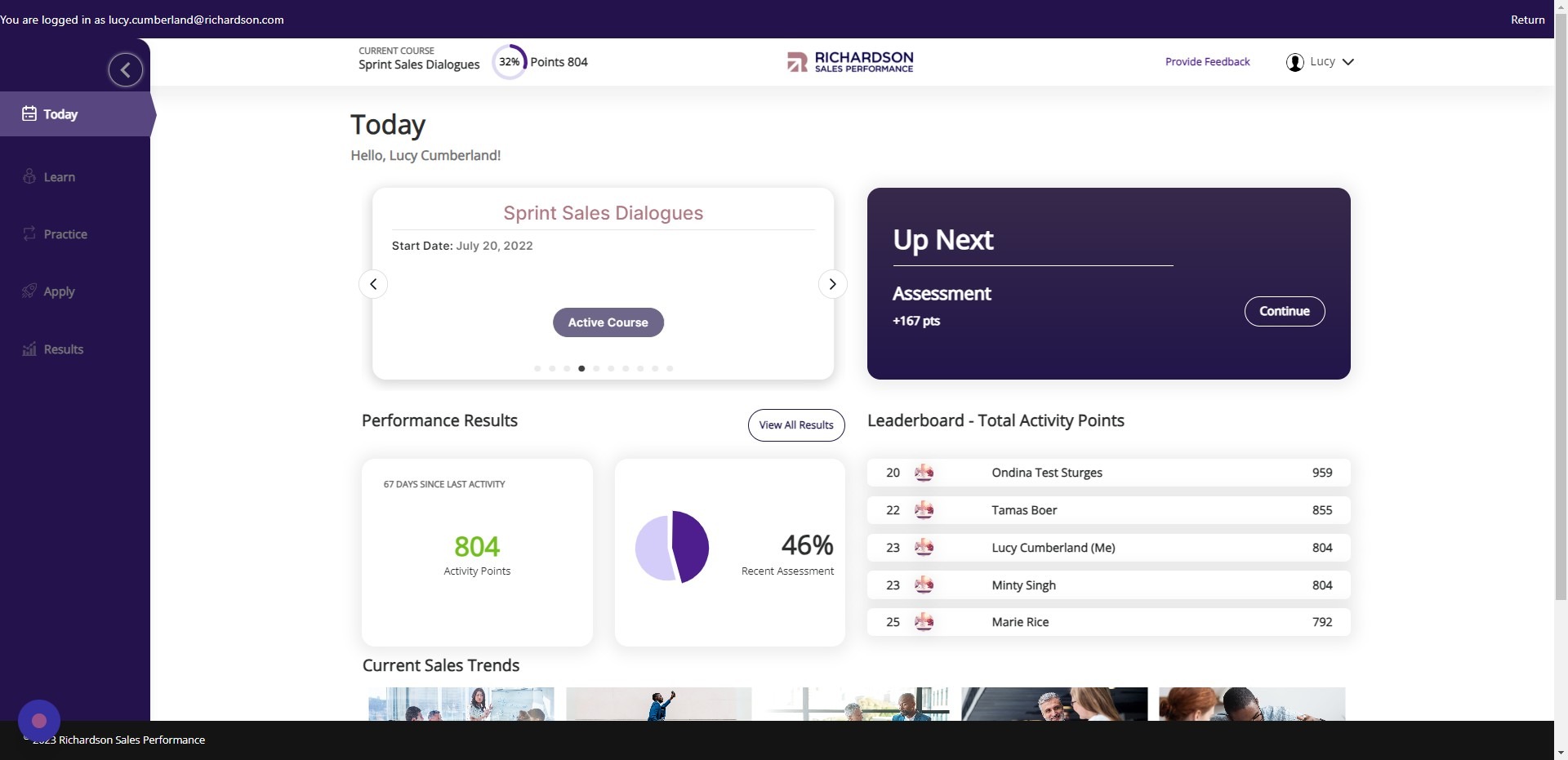
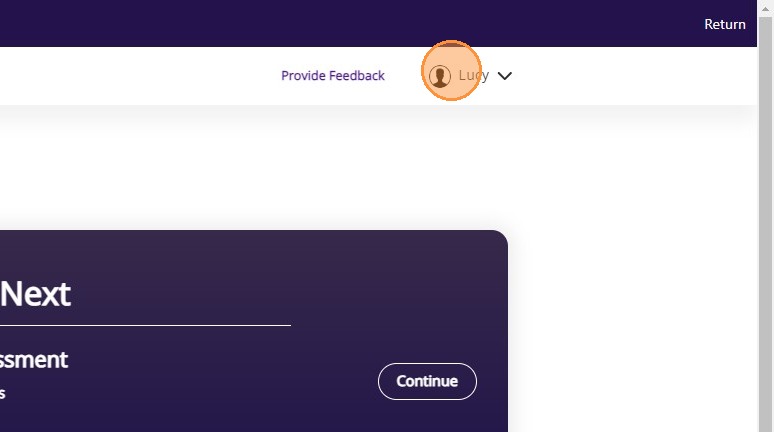
2. [[Click on Your Profile Icon ]]
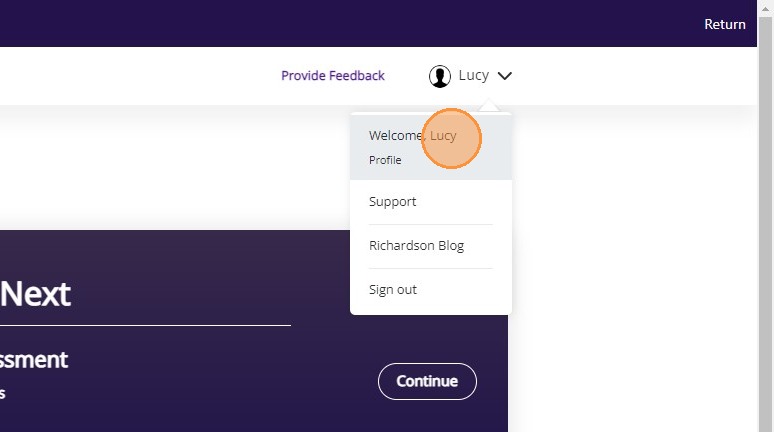
3. Click the link to your profile.
4. Click here to change your language.
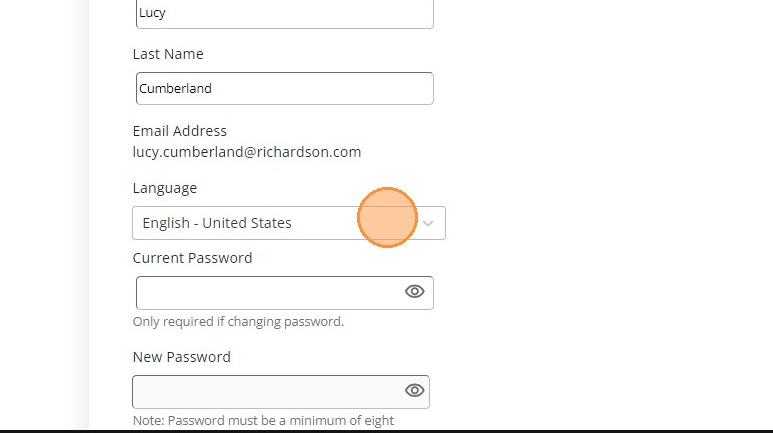
5. Click the dropdown and select your preferred language (e.g., English, Spanish, French, German, Chinese)
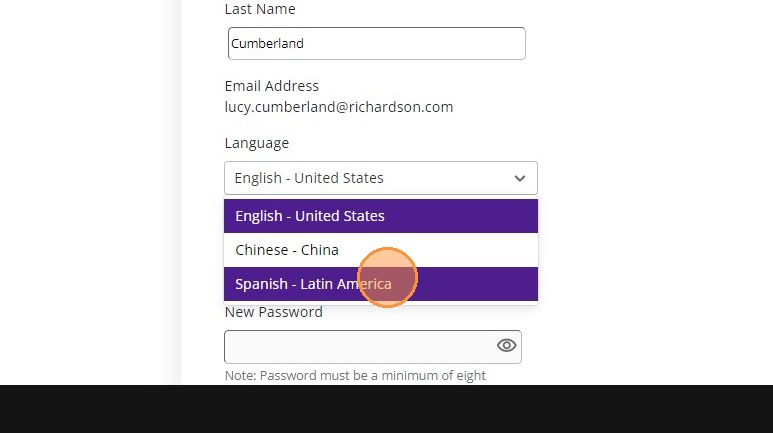
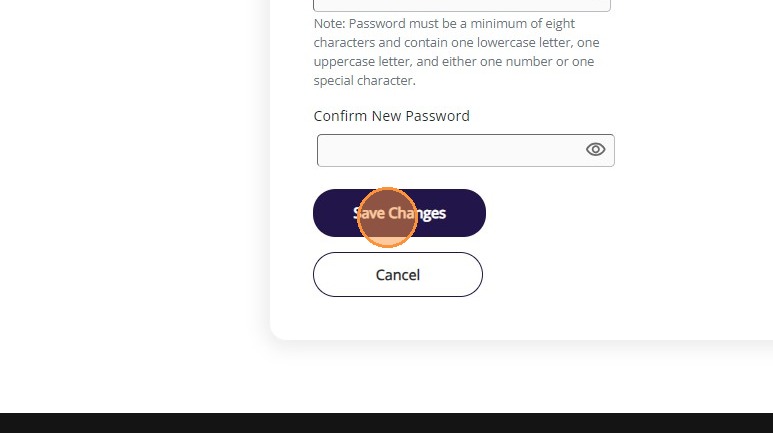
6. Click Save Changes to update your settings. The platform will refresh and display content in the selected language (where available).